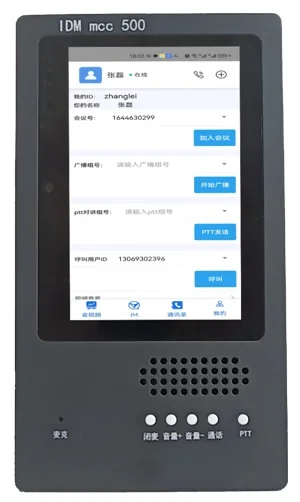
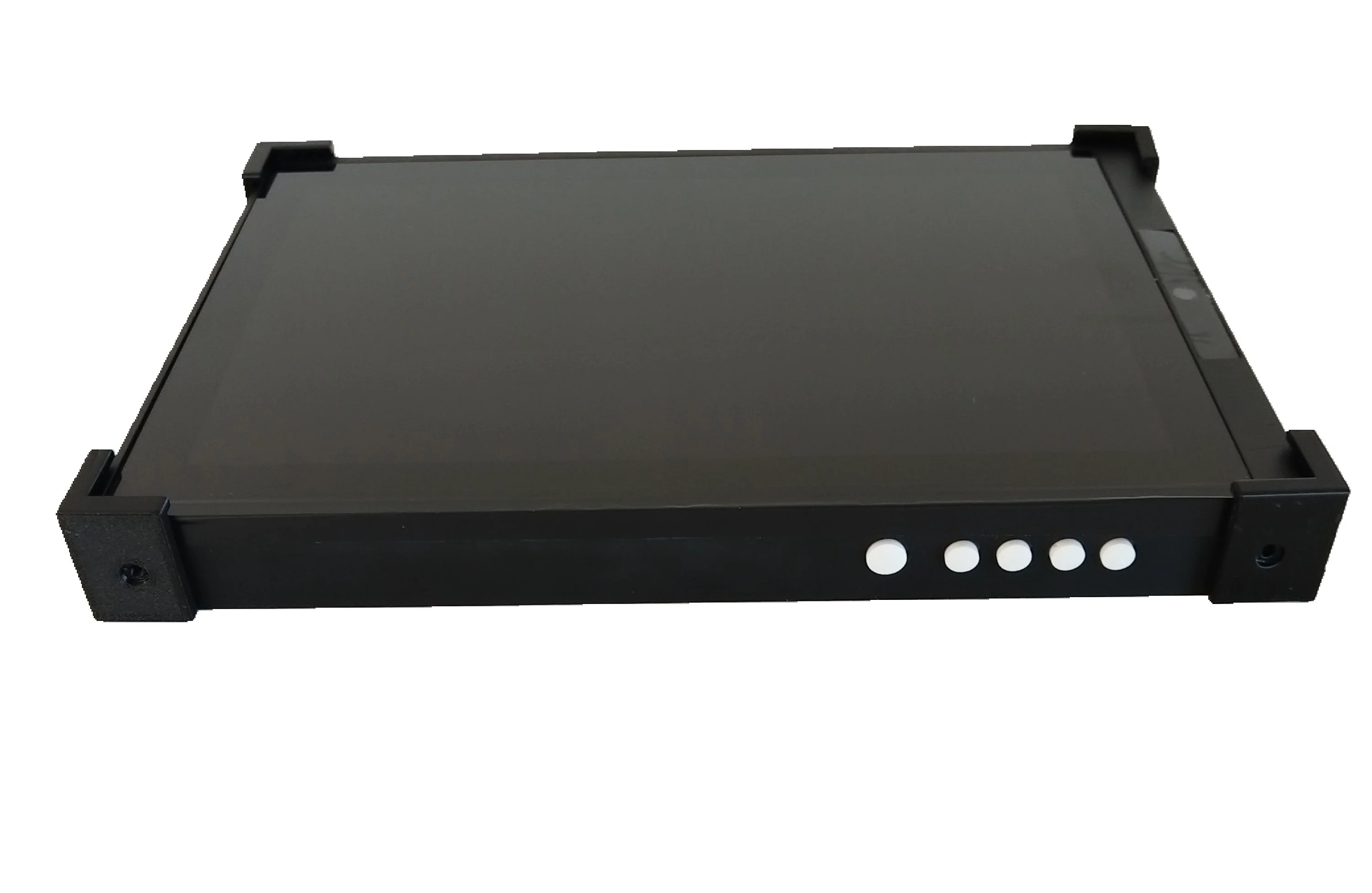
IDM talkie
IDM talkie
Used as a USB sound card extension for Android, Linux, and Windows systems, typically for dispatch consoles in unified communications. It can be used with SIP soft terminals such as Linphone, EyeBeam, and MicroSIP, and the terminal can be configured for manual or automatic answering. It also supports WebRTC communications. On the panel, it provides audio output volume increase/decrease, one-touch mute, one-touch microphone mute, call hang-up, and other operations. It can also send audio commands to an audio conference room for group intercom, etc. When used with the IDM IPhone softphone software, in addition to the above functions, it can also enable one-touch call recording and one-touch playback of local audio files to other terminals, changing the Boeing mode that could only be achieved through a softswitch server.
I. Product Applications
(1). Used as a USB sound card extension for Android, Linux, and Windows systems, typically for dispatch consoles in converged communications;
(2). Can be used with SIP soft terminals such as linphone, eyebeam, and microSIP, and terminals can generally be configured for manual or auto-answer. It can also be used with webRTC communications. The panel enables audio output volume increase, decrease, one-key mute, one-key microphone mute, call hang-up, and other operations. Audio commands can also be sent to audio conference rooms for group intercom;
(3). When used with the IDM IPhone softphone software, in addition to the above functions, it supports one-key call recording and one-key playback of local audio files to other terminals, changing the paging mode that previously could only be implemented through a softswitch server;
(4). When used with the IDM converged dispatch platform, in addition to the above functions, it can display the local number, incoming/outgoing call numbers, and call duration on the local panel, as well as display the current conference room or intercom group number.
II. Product Functions
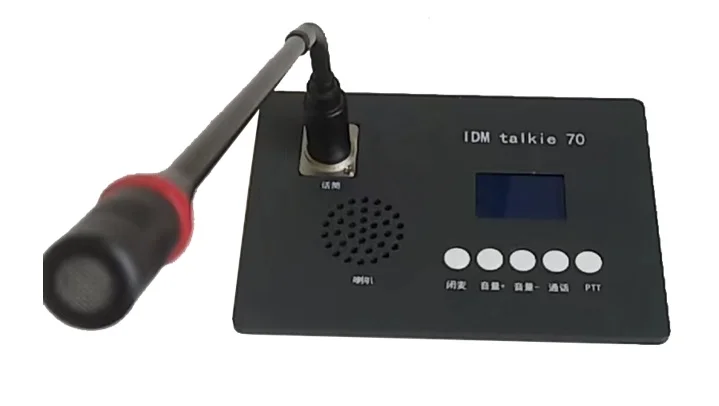
(1). The panel features shortcut keys for mute, volume+, volume-, phone (call), and broadcast (PTT) functions;
(2). Equipped with a MIC operation indicator light. When the communication channel is open and the MIC is connected, the indicator light on the gooseneck microphone illuminates. A short press of the call key can turn off/on the MIC. When in a PTT intercom group, pressing the PTT key can turn off/on the MIC;
(3). Features a communication status indicator LCD screen. When this terminal is called, it automatically enters the phone call state, and the display shows "local username, user number; incoming call number: XXXX; call duration in minutes (3 lines total). If the terminal wishes to end the current call, the user can press the "phone (call)" key to terminate the call;
(4). When both the phone function and broadcast (intercom) function are enabled simultaneously, the terminal defaults to the broadcast intercom mode. When a phone call comes in or there is a call request, the terminal temporarily exits the broadcast mode and enters the call mode;
(5). In broadcast mode, if a call from a group member is received, the LCD screen displays "local username, user number; broadcast group name, speaker name; start time (hours:minutes), duration";
(6). To place an outgoing call from this end, the user can initiate it with one key on the dispatch console, use the mouse to pop up the dialing window on the host, and press the phone key to bring the dialing window to the front of the screen;
(7). Supports sending and receiving information through the DTMF transceiver over the established audio channel, supporting end-to-end information transmission, and can also be used for function development with the dispatch switch;
(8). Interoperates with the host through the data port: converts serial port data to USB for transmission, supporting further development of dispatch functions.
III. Product Configuration
(1). This terminal also features a 3.5mm headset interface, allowing calls to be made using a headset;
(2). Speaker specifications: 8 ohms, 3W, 180-15000Hz;
(3). This terminal can also provide a telephone interface, allowing connection of a standard telephone via a telephone line.
Desktop Dispatch Terminal,Desktop Dispatch Terminal,SIP Desktop Communication Terminal,webRTC Communication Terminal,Softswitch Intercom Communication Terminal
FAQs
What is the working principle and function of a media converter?
The rapid advancement of informatization has led to growing demand for multimedia communications such as data, voice…
View answerWhat Is the Definition of Communication?
Communication: the exchange and transmission of information between people, or between people and nature…
View answerFortifying VoIP Communication with Quantum-Safe Defense | FreeSWITCH Softswitch Quantum-Safe Communication Mode Analysis, Selection, and Implementation Path
With the rapid iteration of quantum computing technology, traditional cryptographic algorithms such as RSA and ECC face…
View answer