IDM MCC500-P
5-key blind operation, one-touch call to the dispatch console, dual-screen independent display, one seat replaces three sets of equipment: computer, conferencing, and intercom
The converged communication terminal adopts a 7-inch touch all-in-one, a fully domestic chip RK3568, and a 2 GB + 16 GB configuration, featuring not only low power consumption but also strong performance. It is fully capable of meeting audio and video dispatching requirements. It uses a 1280*800 dot-matrix display screen and provides an HDMI output interface for connecting to an external large display, projector, and more. It connects to Ethernet via WIFI or RJ45. The MCC-500 converged communication terminal can run the IDM audio and video telephone terminal software and implement SIP softswitch telephone call functions, including audio calls, videophone, video conferencing, message sending and receiving, and PTT intercom.
What Kind of Device Is a Fully Domestic Desktop Converged Communication Terminal?
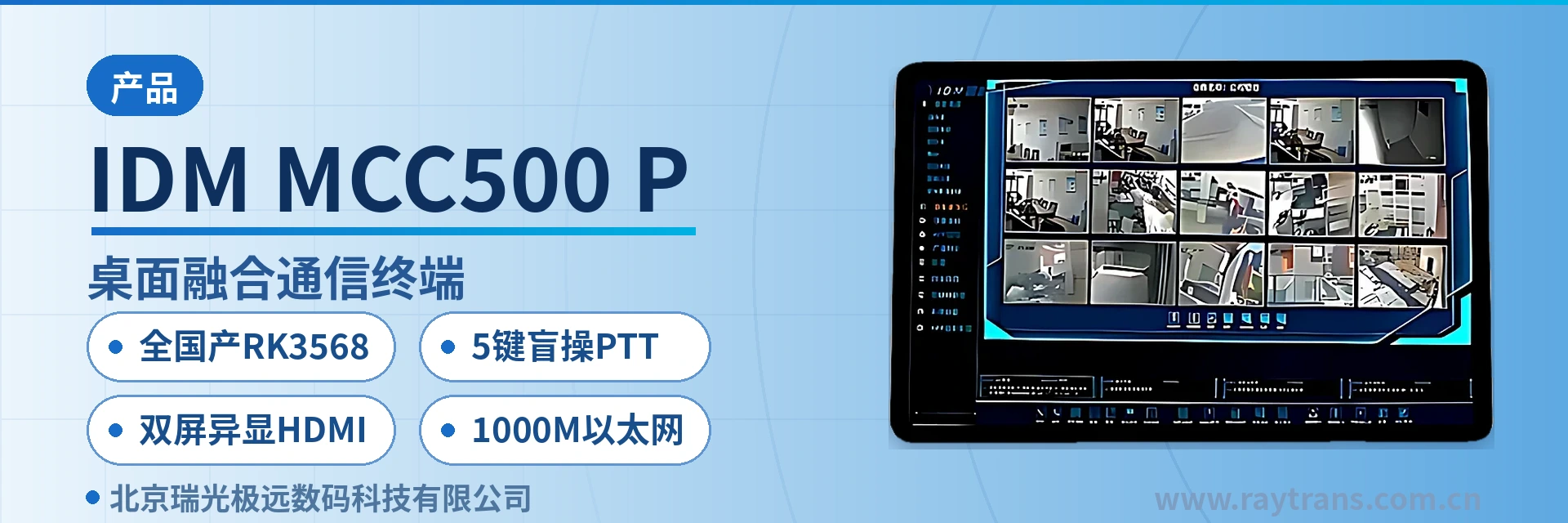
The IDM MCC500-P fully domestic desktop converged communication terminal is a desktop-type converged communication all-in-one developed by Beijing Ruiguang Jiyuan Digital Technology Co., Ltd. As an IP access terminal, it consists of an 11.5-inch capacitive multi-touch screen, a fully domestic RK3568 chip (2 GB memory and 16 GB storage), a 5-megapixel camera, 5 physical keys, and 1000M Ethernet and WiFi interfaces. It is used for telephone calls, video consultation, video surveillance, and group intercom in industrial private network dispatch command centers, energy and electric power duty rooms, rail transit, and elevator emergency intercom scenarios.
As a dual-screen independent display desktop converged communication terminal, the unit converges audio calls, videophone, video conferencing, message sending and receiving, and PTT intercom onto a single touchscreen. The operating interface stays at hand, while the video picture is sent to an external large display, so a single wiring setup covers both operation and viewing. Answering, calling, and group announcement work much like a daily telephone, so on-duty personnel get up to speed quickly. One operator seat no longer needs three sets of equipment—a computer, a conference terminal, and an intercom master unit—and the integration shown in the product showcase is immediately apparent.
Key specifications at a glance: 11.5-inch 1280×800 capacitive touchscreen · fully domestic RK3568 (quad-core 64-bit Cortex-A55, 2.0 GHz) · 2 GB memory + 16 GB storage · 5 physical keys (MIC mute/volume+/volume-/call/PTT) · dual-screen independent display HDMI output · 6-channel USB expansion (4× USB 2.0 + 2× USB 3.0) · 1000M adaptive Ethernet and WiFi-2.4G
The fully domestic RK3568 is the main control foundation of this terminal: quad-core 64-bit Cortex-A55 architecture at 2.0 GHz, paired with 2 GB memory and 16 GB storage. The chip and the unit are designed for low power consumption, making them suitable for duty operator seats that stay powered on for long periods.
The chip selection follows the domestically produced route, so when an industrial private network replaces equipment to meet independently controllable requirements, the desktop terminal no longer depends on an imported platform. At runtime it carries the IDM audio and video telephone terminal software, with video decoding, echo suppression, and gigabit network access loads all placed on the same chip; call and picture stability are jointly ensured by the chip's graphics processing capacity and hardware decoding capability.
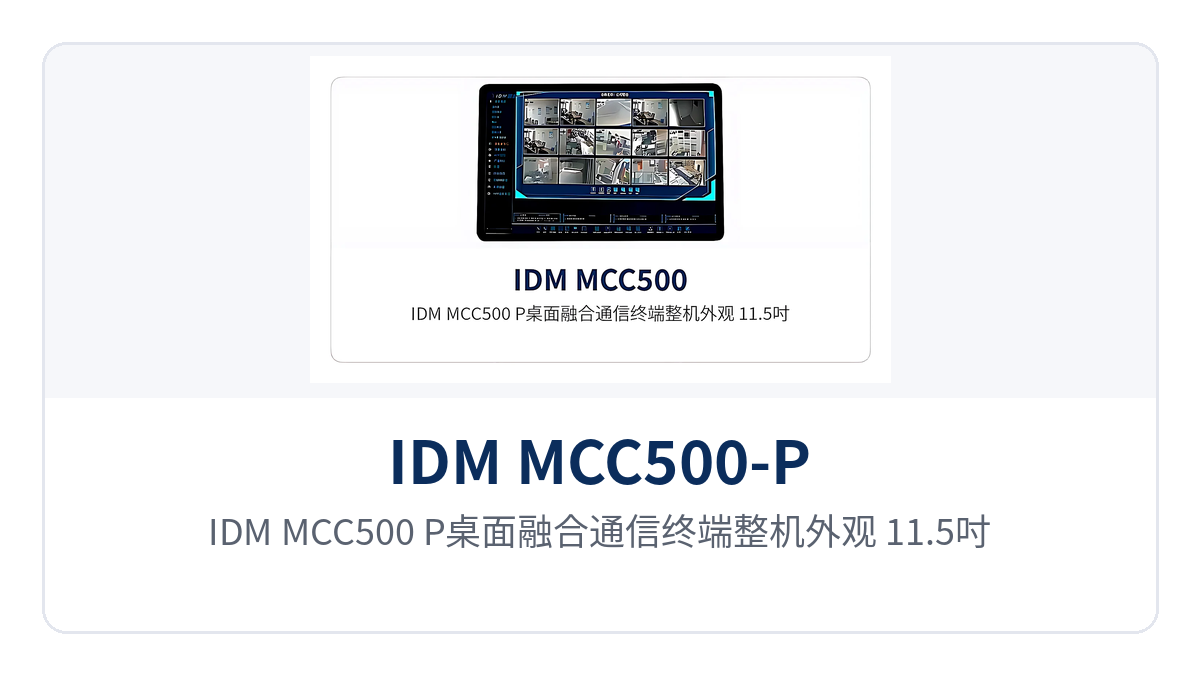
Figure 1: Overall appearance of the IDM MCC500-P desktop converged communication terminal (11.5-inch touchscreen, integrated 5-megapixel camera, and 5 physical keys)
How Do 5 Physical Keys Enable Blind Operation with One-Touch Call to the Dispatch Console?
The IDM MCC500-P main unit is equipped with 5 physical keys, fixed as MIC mute, volume+, volume-, call, and PTT, so on-duty personnel can press the correct key without looking at the screen—this is the design purpose of 5-key blind operation. The keys and the touchscreen coexist: daily selection goes through the screen, while emergencies and night shifts go through the keys, and the two operation paths do not constrain each other. 5-key blind-operation PTT lets emergency calls proceed without depending on what the screen currently displays.
Call key: can be configured to call the central dispatch console directly, connecting to the dispatch operator seat when pressed; it can also be set to pop up a key on the touchscreen for point-to-point calls.
PTT key: pressing it automatically enters the intercom group and initiates a call that all group members can receive, suitable for multi-role collaboration and on-site announcements.
MIC mute key: cuts off microphone audio pickup with one press, for use when the site is noisy or when talking with colleagues nearby.
Volume+/- keys: adjust call volume in steps; during night-shift duty, lower the volume before talking so other operator seats are not disturbed.
Audio peripherals: the main unit can expand audio interfaces through the USB interface, working with the IDM USB-TALKI for calls or PTT intercom.
One-touch call to the dispatch console and PTT group announcement use hardware keys, giving a shorter operation path than step-by-step selection on the touchscreen; dispatch orders and group announcements can be completed with one hand. During night duty, when wearing gloves, or in dimly lit equipment rooms, fixed key positions are more reliable than navigating menus—which is why industrial sites keep physical keys on the front panel.
Key Specifications and Technical Specifications
The functions and performance parameters of the IDM MCC500-P fully domestic desktop converged communication terminal are subject to the product documentation. The table below lists the specifications item by item, with the Applicable Conditions column noting the on-site usage basis.
Main Functions
Function | Description |
|---|---|
SIP calls | Runs the IDM audio and video telephone terminal software, supporting SIP softswitch audio calls, videophone, and video conferencing |
PTT group intercom | Pressing the PTT key automatically enters the intercom group and initiates a call that all group members can receive; can be used with the IDM USB-TALKI |
One-touch call | The call key can be configured to call the central dispatch console directly, or to pop up a key on the touchscreen for point-to-point calls |
Message sending and receiving | Supports text message sending and receiving for dispatch orders and status notification |
Audio and video access and forwarding | Accesses and forwards audio and video streams, supporting video surveillance and video consultation |
Video expansion | Can connect multiple external USB cameras and switch between different angles for video intercom |
Dual-screen independent display output | The HDMI interface connects an external large display or projector, with the touchscreen and large display showing different pictures |
Peripheral access | Supports connection of a keyboard and mouse for easier operation and data entry |
Performance and Technical Specifications
Item | Parameter/Specification | Description/Applicable Conditions |
|---|---|---|
Main control chip | Fully domestic RK3568, quad-core 64-bit Cortex-A55, 2.0 GHz | Supports the operation of the audio and video dispatching software |
Memory and storage | 2 GB memory + 16 GB storage | Meets the operating requirements of audio and video dispatching services |
GPU | ARM G52 2EE, supporting OpenGL ES 1.1/2.0/3.2, OpenCL 2.0, Vulkan 1.1 | Embedded high-performance 2D acceleration hardware, 0.8 TOPS computing power |
Video decoding | 4K 60fps H.265/H.264/VP9 | 4K hardware decoding capability for high-definition video consultation |
Display screen | 11.5-inch capacitive multi-touch screen, 1280×800 pixels | The IDM MCC500 in the same series uses a 7-inch touchscreen |
Video output | HDMI output, supporting dual-screen independent display | External large display or projector for expanded dispatching visibility |
Camera | Main unit integrates a 5-megapixel camera | For videophone and video consultation |
Network interface | 1000M adaptive Ethernet; WIFI-2.4G, BT-4.1 | Ethernet access via WIFI or RJ45 connector |
USB interface | 4-channel USB 2.0 host + 2-channel USB 3.0 (1-channel USB 3.0 is USB_OTG) | 6-channel expansion in total, for audio, camera, keyboard and mouse |
Audio output | Standard 8 Ω 5 W speaker with corresponding drive capability | Intercom without an external speaker, with clear and loud sound |
Power consumption | Low power consumption design | Overall power consumption is subject to the product manual |
Audio Interface Performance
Item | Parameter/Specification |
|---|---|
Frequency response | Microphone boom/speaker 200 Hz~18 kHz |
Sampling | Wideband ADC/DAC 16 kHz sampling |
Narrowband encoding | G.711a/u, G.729AB (ITU-T G series voice codecs) |
Wideband encoding | G.722, Opus |
Echo suppression | Supports acoustic echo cancellation (AEC) |
Noise reduction and packet loss resistance | Noise reduction (NR), packet loss concealment (PLC), dynamic adaptive jitter buffer |
DTMF | In-band audio and out-of-band forwarding (RFC2833)/SIP INFO |
What Peripherals Can the 6-Channel USB Expansion Connect?
As an IP access terminal, the IDM MCC500-P provides 6-channel USB expansion, consisting of 4-channel USB 2.0 host and 2-channel USB 3.0, of which 1-channel USB 3.0 is USB_OTG. Peripheral access requires no additional docking station; the camera, audio handset, keyboard and mouse each occupy one channel, so there is no need to repeatedly plug and unplug after wiring is complete.
Video: connect multiple external USB cameras and switch between different angles on the touchscreen for video intercom; the built-in 5-megapixel camera of the main unit can still be used at the same time.
Audio: expand audio interfaces through the USB ports and use the IDM USB-TALKI desktop handset for calls or PTT intercom.
Input: connect a keyboard and mouse for phone book maintenance and text data entry.
Commissioning: connect a commissioning terminal to the USB_OTG channel for local upgrade and troubleshooting.
Power supply: peripherals draw power from the USB ports; check the power consumption of peripherals before connection to avoid mounting multiple high-power devices at the same time.
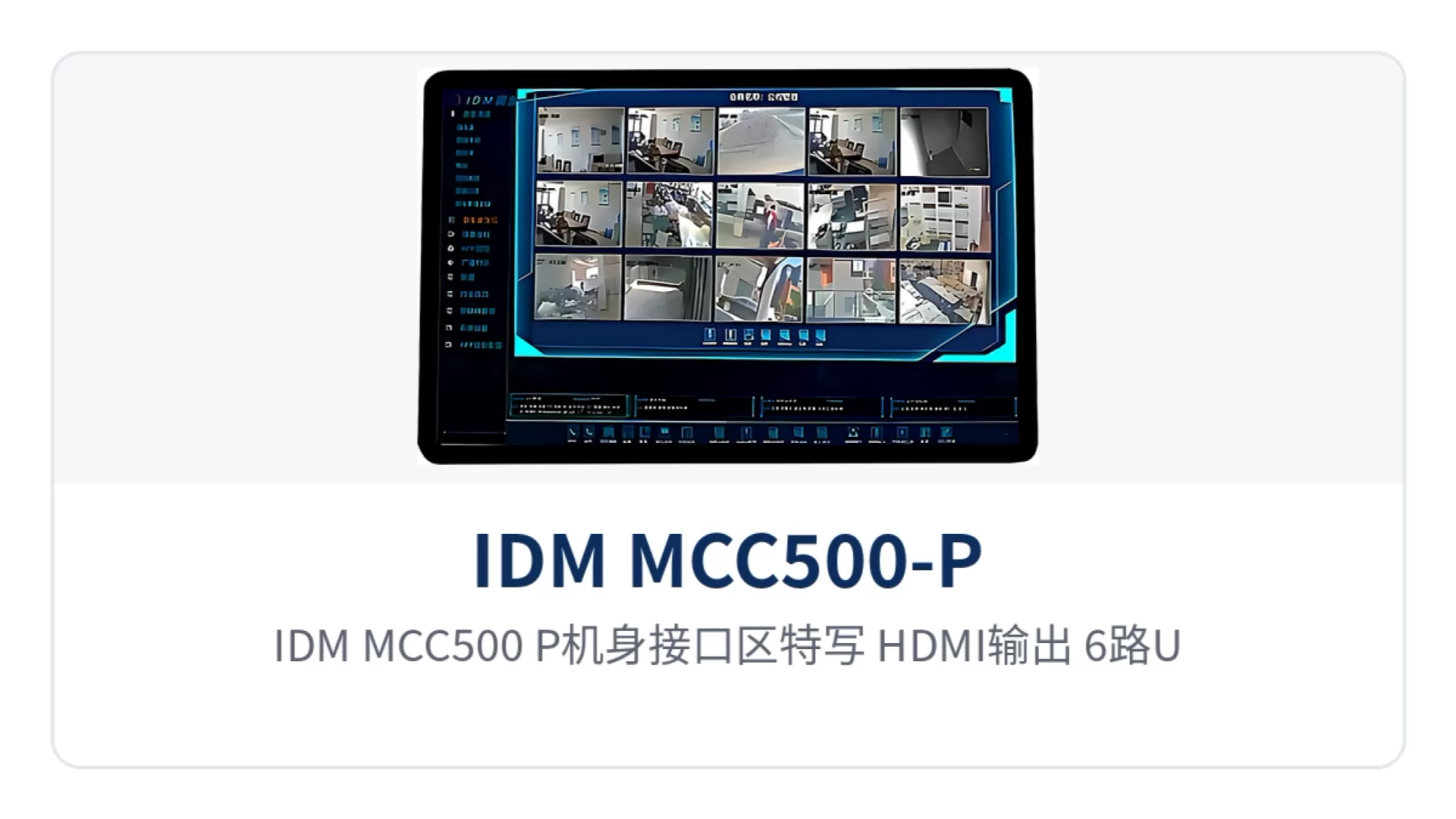
Figure 2: Close-up of the interface area of the IDM MCC500-P (HDMI output, 6-channel USB interfaces, 1000M adaptive network port and WIFI-2.4G)
How Does the Dual-Screen Independent Display Desktop Converged Communication Terminal Use HDMI to Expand Dispatching Visibility?
The dual-screen independent display desktop converged communication terminal divides the display into two working surfaces: the touchscreen faces the duty operator and handles dialing, phone book and intercom operations; the large display or projector connected via HDMI faces outward and handles video surveillance and video consultation pictures. The two screens display different content, so operation and viewing proceed simultaneously at the same operator seat without switching back and forth between windows.
Duty operator seat: the touchscreen retains the call, phone book and group intercom interfaces, while the large display shows video surveillance or video consultation pictures.
Consultation occasions: after connecting a projector, multiple parties can view the same picture, while main control operations are still performed on the touchscreen.
Implementation conditions: confirm the supported resolution and interface version of the display device before connection; the HDMI output can be used in combination with USB external cameras.
Crowded visibility is a common on-site problem of desktop terminals: one screen must hold both the operating interface and the video picture, and switching windows loses context. Dual-screen independent display separates the two types of information onto two screens; the 11.5-inch touchscreen handles operation and the large display handles viewing, so the dispatcher can attend to both operation and surveillance at the same operator seat.
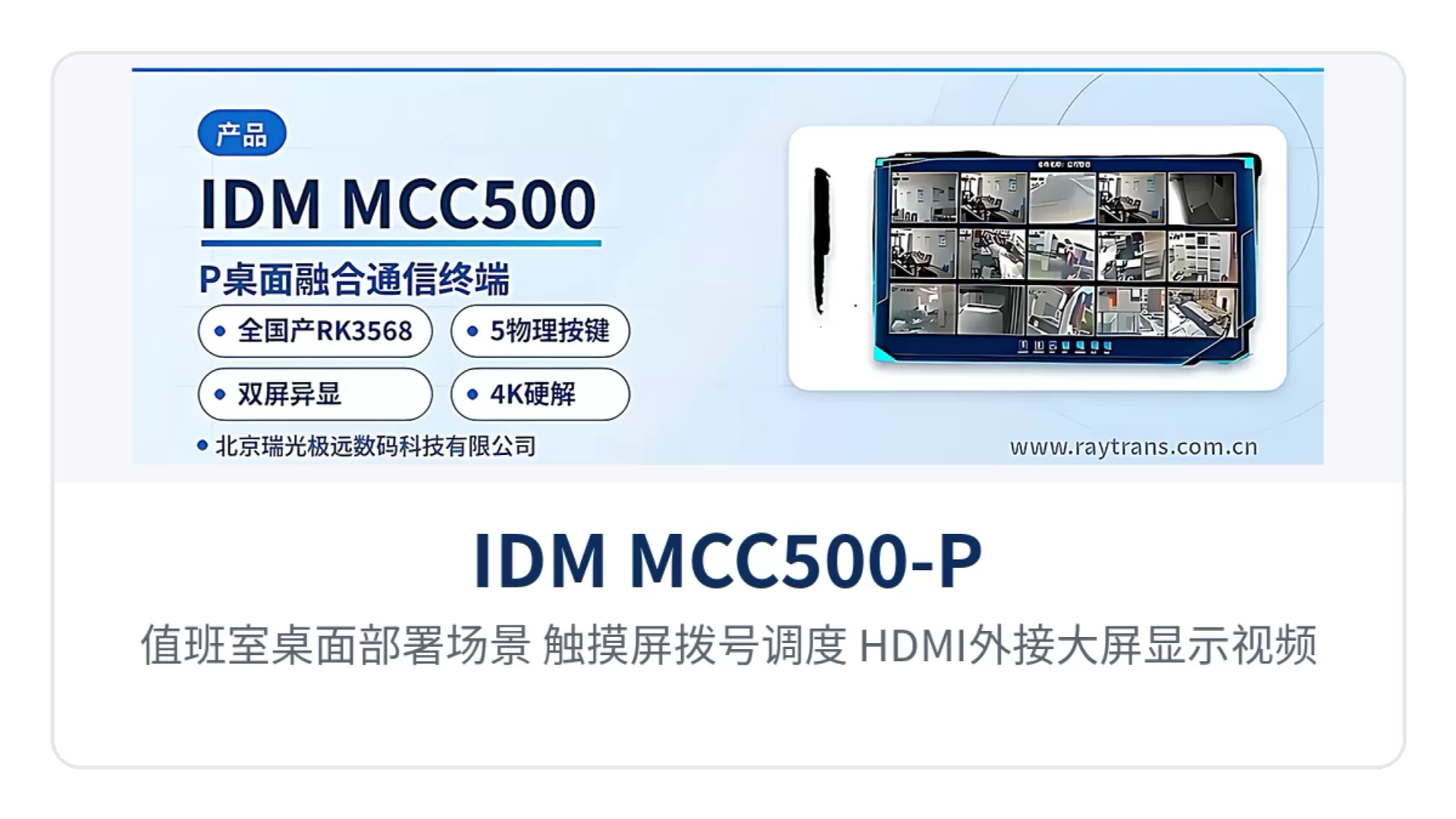
Figure 3: Desktop deployment scenario in a duty room (touchscreen dialing and dispatching, HDMI-connected external large display showing video surveillance pictures)
What On-Site Benefits Do the Three Designs Bring?
The differentiation of the IDM MCC500-P centers on three aspects: chip, keys and display, corresponding respectively to three on-site needs: domestically produced selection for industrial private networks, nighttime emergency operation, and duty operator seat visibility. The table below maps each design point to its on-site benefit one by one, and can serve as a comparison basis during selection.
Differentiation Point | On-site Benefit |
|---|---|
Fully domestic RK3568 | Quad-core 64-bit Cortex-A55 at 2.0 GHz, with 2G memory and 16G storage, meeting private network domestic replacement requirements with low power consumption |
5 physical keys for blind operation | One-touch call to the dispatch console and PTT group announcement are assigned to fixed keys, so no screen viewing is needed at night or when wearing gloves |
Dual-screen independent display via HDMI | The 11.5-inch touchscreen handles operation while the HDMI large display handles viewing, combining operation and monitoring at one seat |
6 USB expansion ports | 4 USB 2.0 and 2 USB 3.0 ports connect cameras, audio handsets, and keyboard and mouse, so no extra docking station is needed on the desk |
Typical Application Scenarios
Industrial Private Network Dispatch Command Center
In an industrial private network dispatch command center, the IDM MCC500-P fully domestic desktop converged communication terminal serves as an IP access terminal at the operator seat and connects to the converged communication command and dispatch system. The duty operator uses the call key for a one-touch call to the dispatch console and the PTT key for group announcements, and dispatch orders are issued over both voice and text message channels.
The fully domestic RK3568 chip meets the selection requirements for domestic replacement of private network equipment. The SIP softswitch system and the desktop terminal can call each other, and the screen displays calls, phone book, and video surveillance at the same time. A single duty seat needs no additional computer, and daily dispatching, consultation, and video viewing are all done on the same desktop.
Energy and Electric Power Duty Room
In an energy and electric power duty room, the IDM MCC500-P fully domestic desktop converged communication terminal handles both one-touch calls to the dispatch console and visual consultation. The 5 physical keys for blind operation let the duty operator complete calls and mute at night or in low light, and the standard 8-ohm 5W speaker makes call audio clear and loud without an external speaker.
The terminal outputs to an external large display via HDMI, projecting the video consultation image onto the display device in the duty room, while the touchscreen continues to be used for dialing and group intercom. One set of desktop equipment covers both voice and video dispatching services, reducing both cabling and the number of devices at the duty console.
Rail Transit and Elevator Emergency Intercom
In metro station duty rooms and elevator duty rooms, the IDM MCC500-P fully domestic desktop converged communication terminal can be used as a desktop visual intercom terminal and an elevator intercom duty master unit. On-duty personnel connect to on-site intercom extensions via the touchscreen or call key, press the PTT key to make group announcements, and the 5-megapixel camera lets the duty operator see the on-site video.
The terminal can network with the network broadcast system and play broadcast prompts simultaneously in emergencies, aggregating intercom and broadcast onto the same desktop. The station and elevator scenarios share the same terminal form, so on-duty personnel do not need separate operating habits.