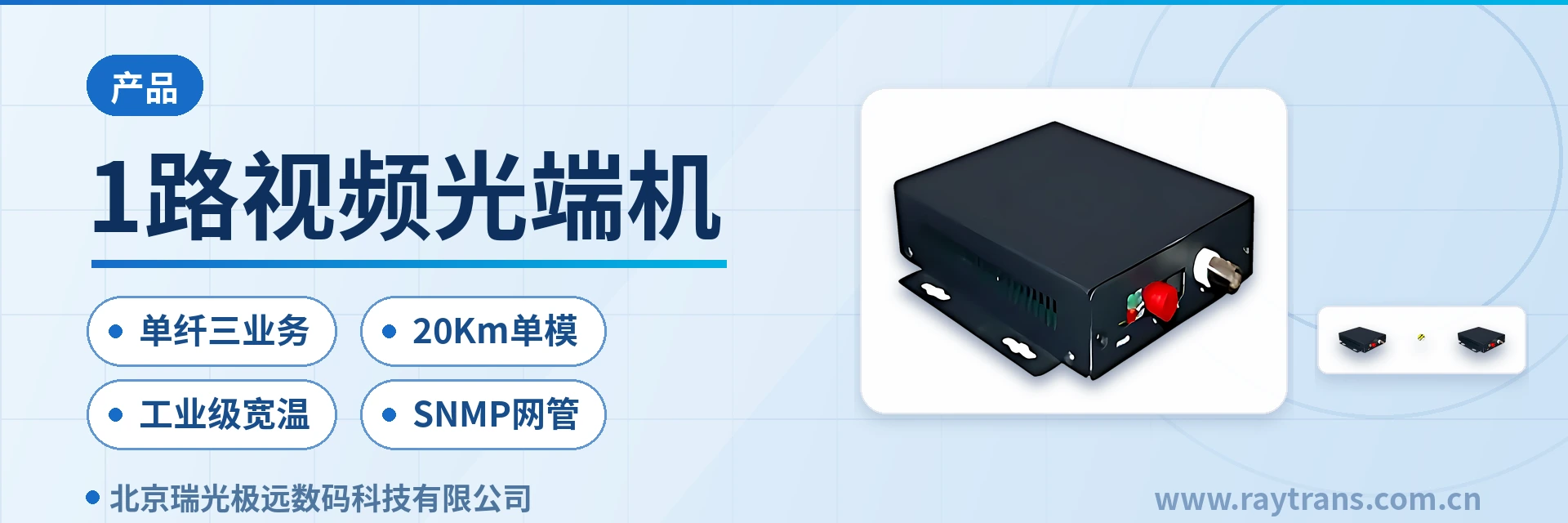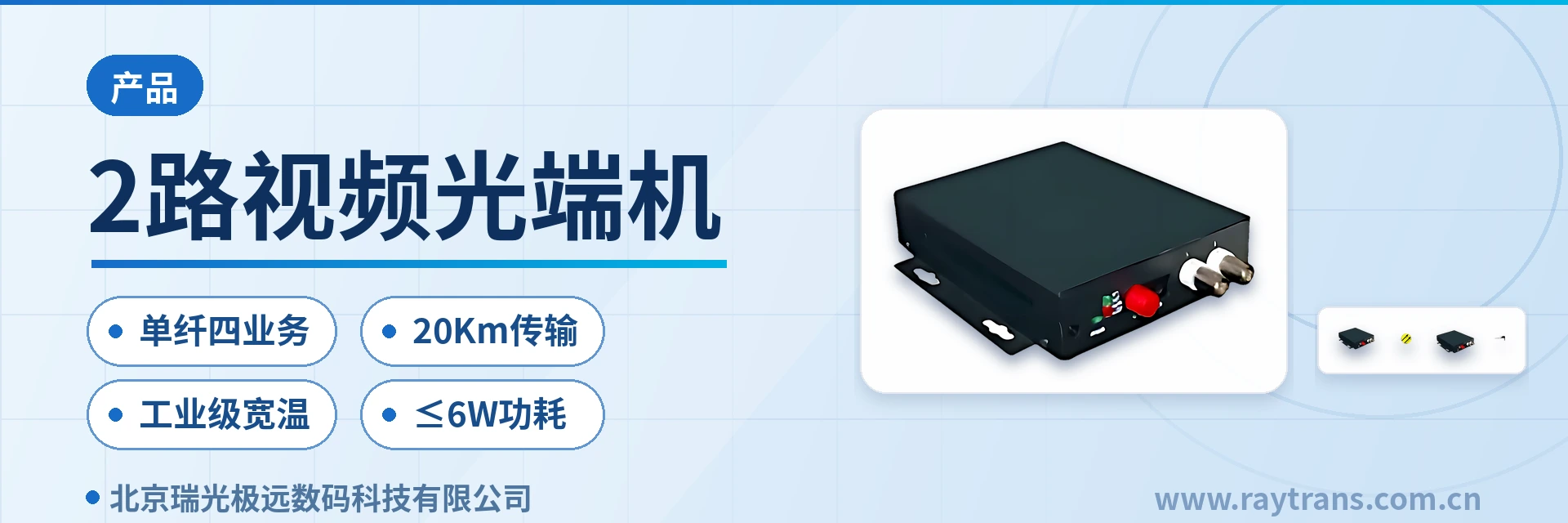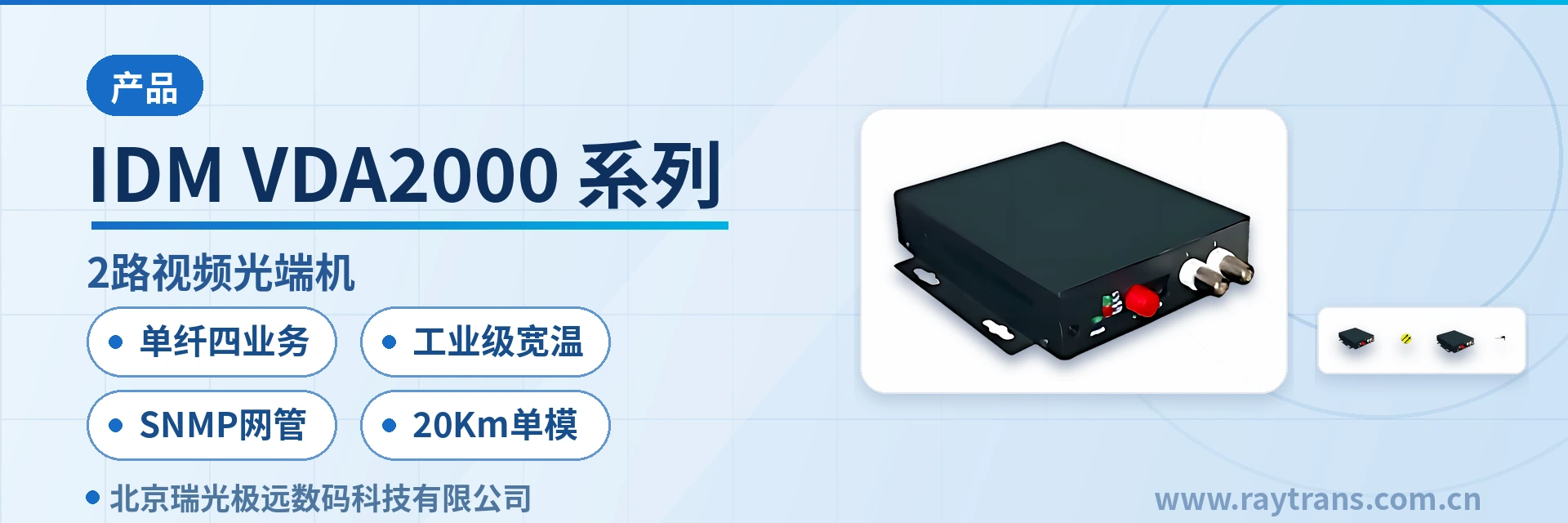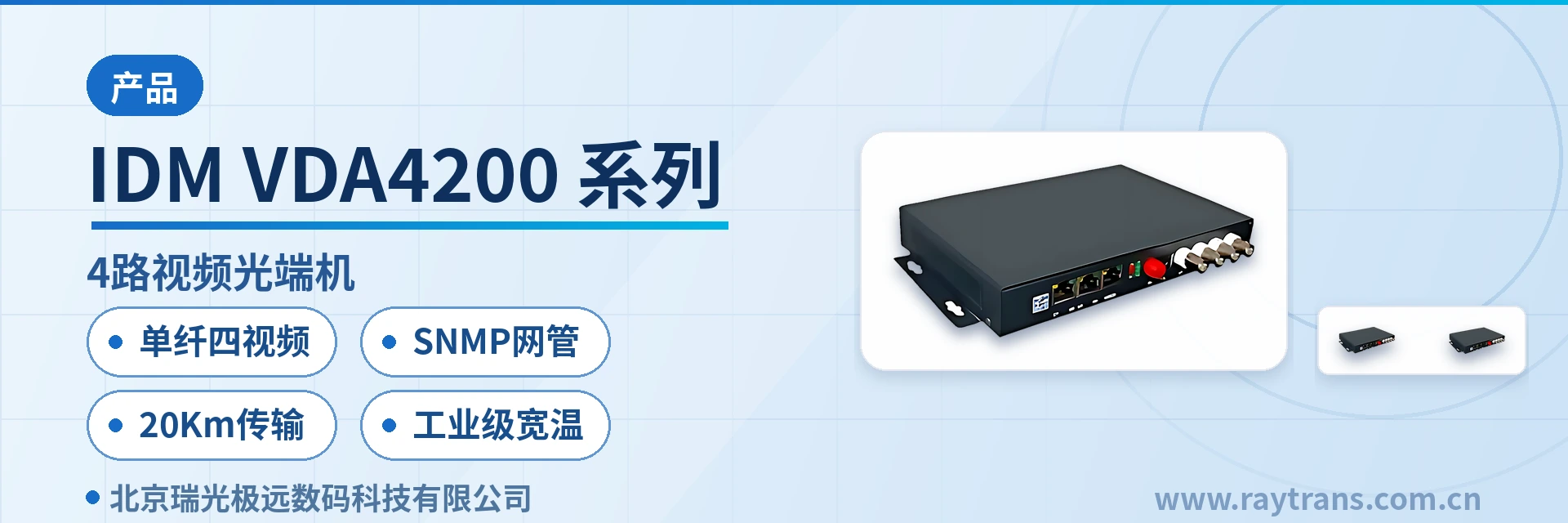
IDM HD1080P Multi-E1 High-Definition Video Encoding and Decoding Transmission Device
2 to 4 E1 bundling
The IDM HD1080P multi-E1 high-definition video encoding and decoding transmission device provides bidirectional high-definition video (1920x1080P 60fps) transmission over 2 to 4 E1 links. When 3 or 4 E1 links are used for transmission, one Ethernet transmission interface can also be provided simultaneously. With 2 E1 links, 108
The IDM HD1080P multi-E1 high-definition video codec is a video encoding and decoding transmission device for existing E1 private networks, developed by the optical multiplexer manufacturer Raytrans. It compresses bidirectional 1080P60 high-definition video into 2 to 4 E1 links for transmission, meeting the application requirements of E1 private network video transmission solutions. The encoder compresses video and audio into a standard stream, and the decoder restores the picture; the latency from encoder input to decoder output is less than 100 ms. Deploying one unit at each end forms a point-to-point link, and the device can also be configured for unidirectional transmission, making it suitable for product showcase and deployment of video optical multiplexers in scenarios such as government private network optical fiber communication solutions and military emergency communications vehicle solutions.
Key Specifications at a Glance: 2 to 4 E1 bonding · latency <100 ms · 220 ms delay difference · wide temperature -20 to 60℃ · 1080P60/P50 · H.264
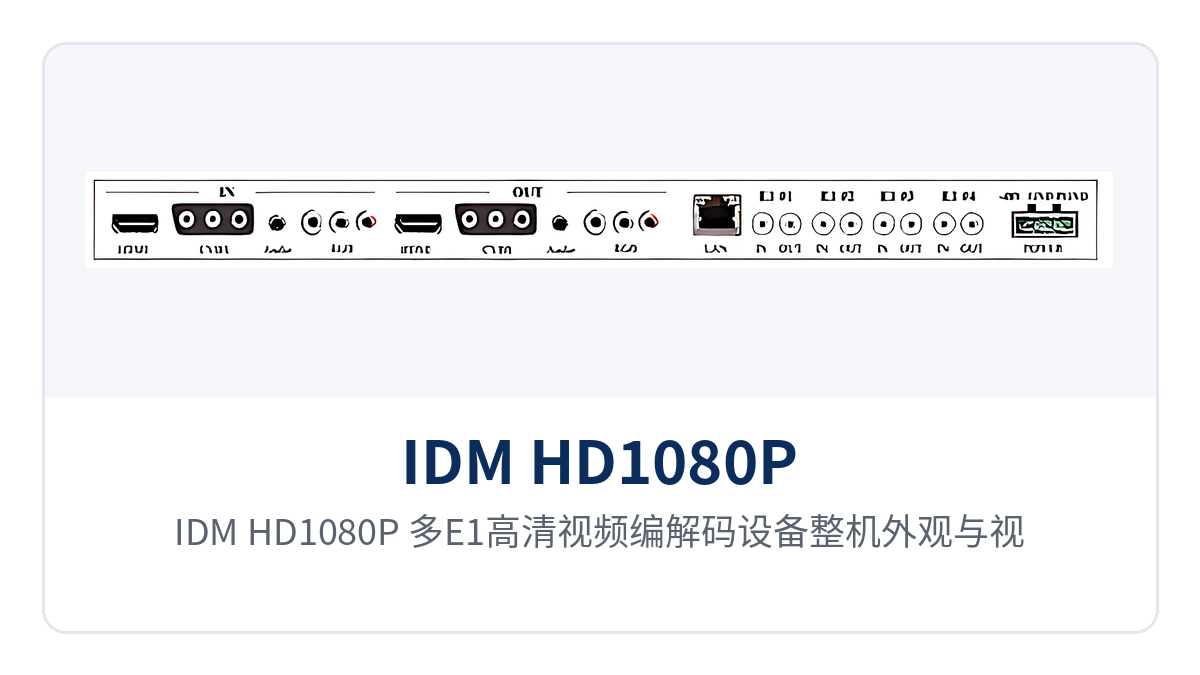
Figure 1: Overall appearance of the IDM HD1080P multi-E1 high-definition video codec and the layout of video and E1 interfaces
What on-site problem does the multi-E1 high-definition video codec solve?
The on-site problem that the multi-E1 high-definition video codec solves is that a private network has only E1 channels and no IP bandwidth to spare, yet needs to carry high-definition video. The existing transmission networks of electric power, railway, and public security sectors largely use E1 as the service granularity, and video upgrades at substations and unattended sites often cannot easily add optical fiber links, so reusing idle E1 is a lower-cost path. Transmitting 1080P60 video over an E1 private network is a common practice for such private networks to launch video services on existing resources, and it is also a typical application scenario of E1 private network video transmission solutions.
The device's access mode has little impact on existing services. The codec occupies only the assigned E1 time slots; framed/unframed operation is configurable and time slots are configurable. Under the PCM31/30 frame structure it can coexist with existing PCM services without changing the cross-connect configuration of the transmission equipment. Management is provided through an RS232 serial port network management interface, allowing O&M personnel to monitor operating status and issue parameters.
A single unit handles both video and audio. The front-end camera connects via HDMI/DVI or VGA to deliver the picture, and the decoder at the rear outputs to monitors and large displays, with no additional protocol conversion device needed in between. The on-site upgrade workload is concentrated on interfacing at both ends, while on the transmission network side only E1 channel assignment and patching are required.
How high a video quality can 2 to 4 E1 links carry?
The channel bandwidth after bonding 2 to 4 E1 links determines the picture quality tier: 2 E1 links correspond to 4.096 Mbps, 3 E1 links to 6.144 Mbps, and 4 E1 links to 8.192 Mbps. Calculated at the ITU-T G.703/G.704 bit rate of 2048 Kbps ±50 ppm, E1 bonding provides a transparent channel with a stable rate, unaffected by IP network congestion and packet loss.
With 2 E1 links, 1080P 60-frame format can be transmitted smoothly; with 3 E1 links, the picture is almost identical to the original image; with 4 E1 links, Ethernet service margin is left in addition to picture quality. When 3 or 4 E1 links are used, the device additionally provides one 10M/100M Ethernet interface, which can serve as a configuration monitoring port, a soft codec interface, or an independent transmission interface.
Video compression uses H.264, occupying half the network bandwidth of MPEG2 and consuming less E1 channel capacity at the same picture quality. The encoder generates a standard stream, and the network side supports RTSP and UDP protocols and P2P and MULTICAST modes; when necessary, standard software such as VLC can be used for decoding verification.
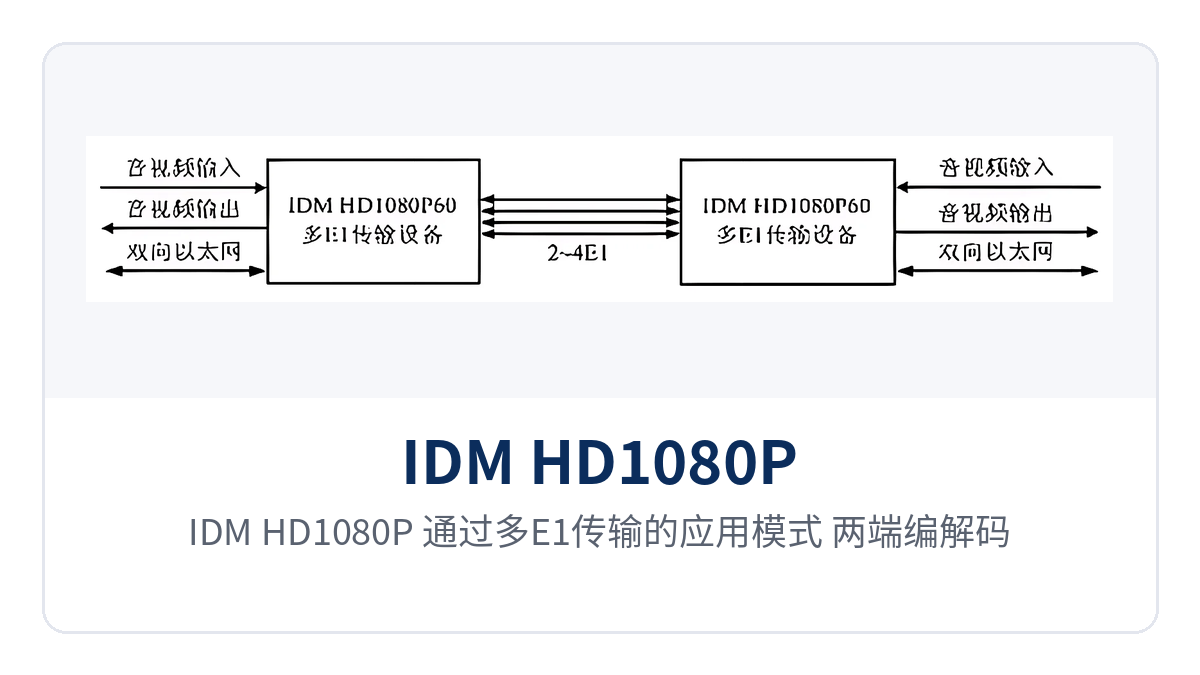
Figure 2: Application mode of the IDM HD1080P over multi-E1 transmission, with codecs at both ends interconnected via 2 to 4 E1 links
Functions and Performance Specifications
Device capabilities are listed in three parts: functions, transmission interfaces, and video/audio, making it easy to check the configuration item by item against on-site E1 resources and camera interfaces. Function items focus on available services and O&M methods, while parameter items give specifications that can be written directly into design and acceptance documents.
Function List
| Function | Description |
|---|---|
| Multi-E1 video bonding | 2 to 4 E1 links bonded to carry bidirectional 1080P60 video; 3 or more links add one Ethernet channel |
| E1 delay difference detection | Detects the delay difference between E1 lines; framing still works normally with a relative delay of up to 220 ms |
| Automatic removal of faulty channels | E1 channels with LOS, AIS, or LOF alarms are automatically removed and automatically restored when the fault disappears |
| TAG VLAN | Supports TAG VLAN settings and transparent transmission of jumbo frames specified in IEEE 802.1Q |
| Serial port network management | Network management over an RS232 serial port to monitor operating conditions and set operating status |
| H.264 encoding | H.264 video compression with standard stream output; RTSP and UDP, P2P and multicast selectable |
| Multi-interface video | Video input HDMI/DVI, VGA, CVBS; output HDMI/DVI, YPbPr, CVBS |
| Audio transmission | HDMI-compatible audio; stereo G.711 occupies 128 Kbps, mono occupies 64 Kbps |
| Unidirectional transmission | Can be simplified to unidirectional high-definition audio and video transmission, suitable for sites that only send or only monitor |
Technical Specifications: Transmission Characteristics and E1 Interface
| Item | Parameter/Specification | Description/Applicable Conditions |
|---|---|---|
| E1 line relative delay | Up to 220 ms | Delay differences between lines within this range can be detected and compensated |
| E1 bit rate | 2048 Kbps ±50 ppm | Per ITU-T G.703/G.704 |
| E1 line coding | HDB3 | Framed/unframed configurable, time slots configurable |
| E1 impedance | 70 Ω unbalanced/120 Ω balanced | Selected according to equipment room wiring |
| E1 frame structure | PCM31/30 | Supports channel-associated signaling |
| Jitter characteristics | Compliant with ITU-T G.823 | Meets private network E1 interface jitter requirements |
| Ethernet interface | RJ45, 10M/100M selectable | Supports IEEE802.3, half/full duplex, available with 3 or more E1 links |
Technical Specifications: Video/Audio and General Specifications
| Item | Parameter/Specification | Description/Applicable Conditions |
|---|---|---|
| Video compression | H.264 | Occupies half the network bandwidth of MPEG2 |
| Video resolution | 1080P60/P50 full high definition | Digital television (DTV) specification |
| End-to-end latency | Less than 100 ms from encoding to decoding | Complete link over 2 to 4 E1 links |
| Codec processing latency | Less than 30 ms | Video/audio processing stage, excluding E1 line transmission |
| Video input/output | Input HDMI/DVI, VGA, CVBS; output HDMI/DVI, YPbPr, CVBS | Selected according to front-end camera and display terminal |
| Audio interface | Input HDMI, RCA; output HDMI, RCA | Stereo G.711 occupies 128 Kbps, mono occupies 64 Kbps |
| Network protocols | RTSP, UDP, P2P and MULTICAST | Encoder outputs a standard stream |
| Operating temperature | -20℃ to +60℃ | Wide-temperature design, suitable for field equipment rooms and outdoor cabinets |
| Operating humidity | 95% non-condensing | Ventilation of the enclosure must be ensured in high-humidity environments |
| Operating voltage | AC 220V/DC -48V/DC +5V selectable | Selected according to equipment room and communication power supply conditions |
Typical Application Scenarios
The multi-E1 high-definition video codec is suitable for private network sites that already have E1 channels and need to backhaul high-definition video. The following three industries are where it is most widely deployed on site. What these directions have in common is distributed sites, limited bandwidth, and lightly staffed operation; they differ in service priorities and supporting interfaces.
Electric power and energy private network: video backhaul at substations and transmission lines
Online monitoring points at substations and transmission lines usually already have E1 channel access to the electric power communication network, yet video upgrades often lack an available IP link. The multi-E1 high-definition video codec takes HDMI or VGA signals from cameras in the station and sends them back over 2 to 4 E1 links to the dispatch side for on-screen display, with no need to lay dedicated optical cables for video. The wide-temperature -20 to 60℃ rating of the unit allows it to be installed directly in outdoor cabinets without air conditioning.
The reliability requirements of electric power sites are reflected in the handling of channel anomalies. The device automatically removes E1 channels with LOS, AIS, or LOF alarms while the remaining channels continue to carry video; after a faulty E1 recovers, it automatically rejoins the bonding group without on-site restart or configuration changes. Line relative delay differences within 220 ms are detected and compensated by the device, so the picture will not be misaligned even when loopback paths differ in length.
Rail transit and railway communications private network: section video and emergency command channels
Video sites in railway sections and line stations often can only upload over existing E1 channels, and nodes along the line are unattended. The device feeds 1080P60 pictures from section cameras into E1 channels, and the station duty room decodes and displays them on screen; the encoding-to-decoding latency is less than 100 ms, so duty personnel see events on screen almost in sync with the site.
Railway private networks have explicit E1 interface requirements. The device interfaces with existing patch panels using HDB3 line coding, a 2048 Kbps ±50 ppm bit rate, and 70 Ω unbalanced or 120 Ω balanced impedance, with jitter characteristics compliant with ITU-T G.823. Network management is accessed via an RS232 serial port, allowing the operating status of devices along the line to be viewed from the central side.
Public security and emergency command private network: field unattended sites and temporary checkpoints
Field checkpoints, temporary checkpoint sites, and emergency command vehicles need to backhaul site pictures quickly, yet the site often has no available optical fiber or public network link, only an E1 private network or a temporarily provisioned E1 circuit. The device can be simplified to unidirectional high-definition audio and video transmission, taking only site pictures back to the command center and reducing the number of devices to deploy.
With 3 or 4 E1 links, the additional Ethernet port can be used for local configuration and soft codec, or as an independent transmission interface to deliver IP video streams from the command center to on-site displays. Power supply options include AC 220V, DC -48V, or DC +5V, so power can be obtained directly in both vehicle-mounted and equipment room scenarios.
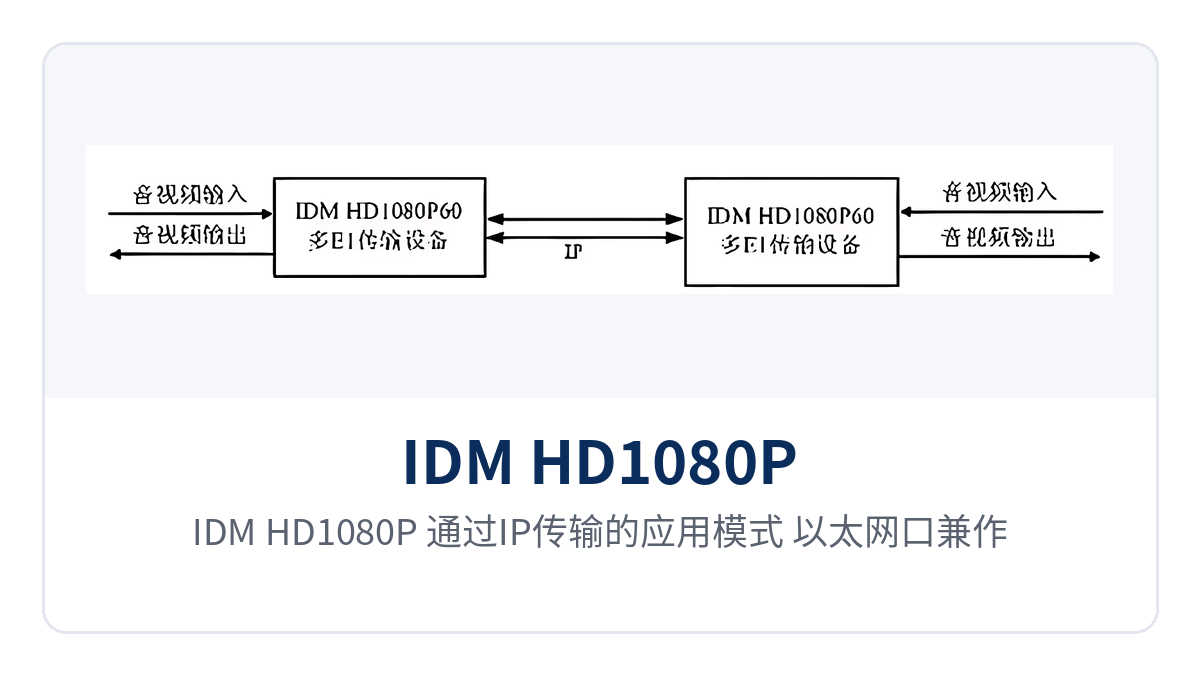
Figure 3: Application mode of the IDM HD1080P over IP transmission, with the Ethernet port serving as both video stream and network management channel
How is an E1 line delay difference of 220 ms handled?
When the relative delay difference between E1 lines reaches 220 ms, the device can still detect and compensate for it automatically, and the picture will not be misaligned due to channel desynchronization. Multiple E1 links may traverse different routes and different transmission rings, and differences in arrival order can disrupt the data arrangement; the device detects the delay of each E1 channel one by one, buffers and aligns the earlier-arriving data, and reassembles it in order. This capability allows video to reuse idle E1 links on the existing network without having to find dedicated channels with consistent delay for video, and it also lowers the selection threshold for optical multiplexer manufacturers in E1 private network video transmission solutions.
When alarms such as LOS, AIS, or LOF occur on a channel, the device automatically removes the faulty E1 from the bonding group, and services continue to be transmitted over the remaining channels; as the number of channels decreases, the bit rate adjusts to the available bandwidth. After the fault disappears, the channel automatically rejoins the bonding group without manual intervention, which suits unattended sites. O&M personnel can view the status and alarm records of each E1 channel through the RS232 serial port network management.
How are on-site wiring and commissioning performed?
On-site implementation proceeds in four steps: interface inventory, E1 wiring, video and audio access, and channel testing, each with criteria that can be confirmed on site. Checking item by item in the following order helps avoid misjudging wiring problems as equipment failures and facilitates two-person parallel work.
- Check interfaces: Confirm the number of E1 ports, video input/output formats, and power supply format. DC -48V and AC 220V must not be connected interchangeably.
- Connect E1: Select cables and connectors according to 70 Ω unbalanced or 120 Ω balanced wiring, and label the port number of the transmission device at the opposite end for each link.
- Connect video and audio: Connect cameras to HDMI/DVI, VGA, or CVBS inputs, monitors to HDMI/DVI or YPbPr outputs, and route audio through HDMI embedded audio or RCA.
- Configure E1 bundling: In the network management system, set framed/unframed mode, time slots, and the number of E1 groups, and select 2, 3, or 4 groups based on available channels.
- Check alarms: Check the LOS, AIS, and LOF status of each E1, and confirm that the relative delay difference between lines is within 220 ms.
- Measure latency and image quality: Verify by actual measurement that the latency from encoding input to decoding output is less than 100 ms, and determine whether to add E1 groups based on picture detail.